Billing errors in mobile phone shops can directly impact your profits, customer trust, and daily operations. Even small mistakes like wrong pricing, missing items, or incorrect totals can lead to serious business issues.
At Cellivo, we’ve worked with many mobile shop owners in Sri Lanka who struggled with billing mistakes caused by manual processes. The good news is that most of these errors are preventable with the right system.
Why Billing Errors in Mobile Phone Shops Are Common
Mobile shops handle a mix of devices, accessories, and repair services. Without a proper system, staff often rely on memory or manual calculations.
This leads to common problems like:
- Incorrect pricing during checkout
- Missing items in invoices
- Duplicate billing entries
- Wrong stock updates
Using a mobile shop POS system helps eliminate these issues by automating billing and inventory.
1. Use a POS System Instead of Manual Billing
The biggest cause of billing errors is manual billing. Writing invoices or calculating totals manually increases the risk of mistakes.
A POS system for phone shop automates pricing, calculations, and invoice generation, reducing human error.
2. Automate Pricing and Discounts
Many billing mistakes happen when staff manually apply discounts or change prices.
A good POS system stores product prices and discount rules, ensuring consistency across all sales.
3. Sync Billing with Inventory
Billing and inventory must always be connected. If they are not, you will face stock mismatches.
A connected inventory management system ensures that stock updates automatically after every sale.
4. Track Devices Using IMEI
For mobile phones, tracking items using IMEI is critical.
With an IMEI tracking system, each device is linked to a specific sale, reducing confusion and errors.
5. Train Staff Properly
Even with the best system, staff training is important. Make sure your team understands how to use the billing system correctly.
Simple training can significantly reduce mistakes.
6. Monitor Sales Reports Regularly
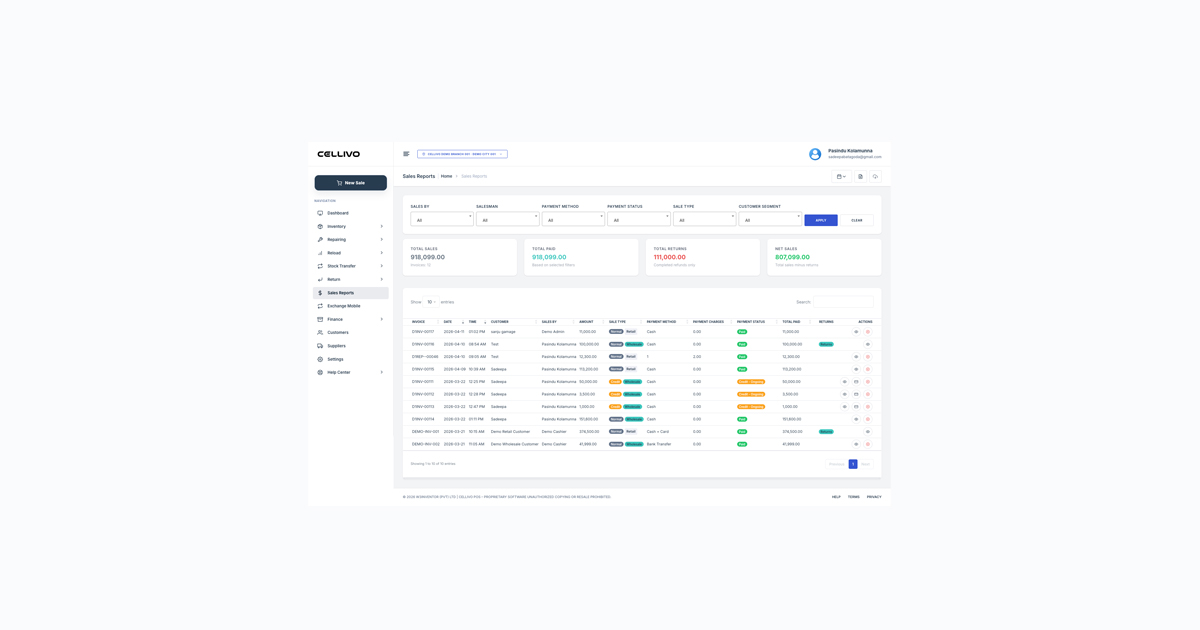
Reports help you identify patterns and errors. If you notice frequent billing issues, you can take action quickly.
A POS system provides detailed reports for better control.
Real Example from a Phone Shop
One mobile shop we worked with in Kottawa had frequent billing errors due to manual processes. After switching to a POS system, they reduced errors by over 70% within the first month.
This also improved customer satisfaction and reduced daily stress for staff.
Conclusion
Reducing billing errors in mobile phone shops is essential for maintaining profitability and customer trust. Most errors come from manual processes, which can be solved with automation.
If you want to eliminate billing mistakes, explore our mobile shop POS system and see how it simplifies billing, inventory, and daily operations.