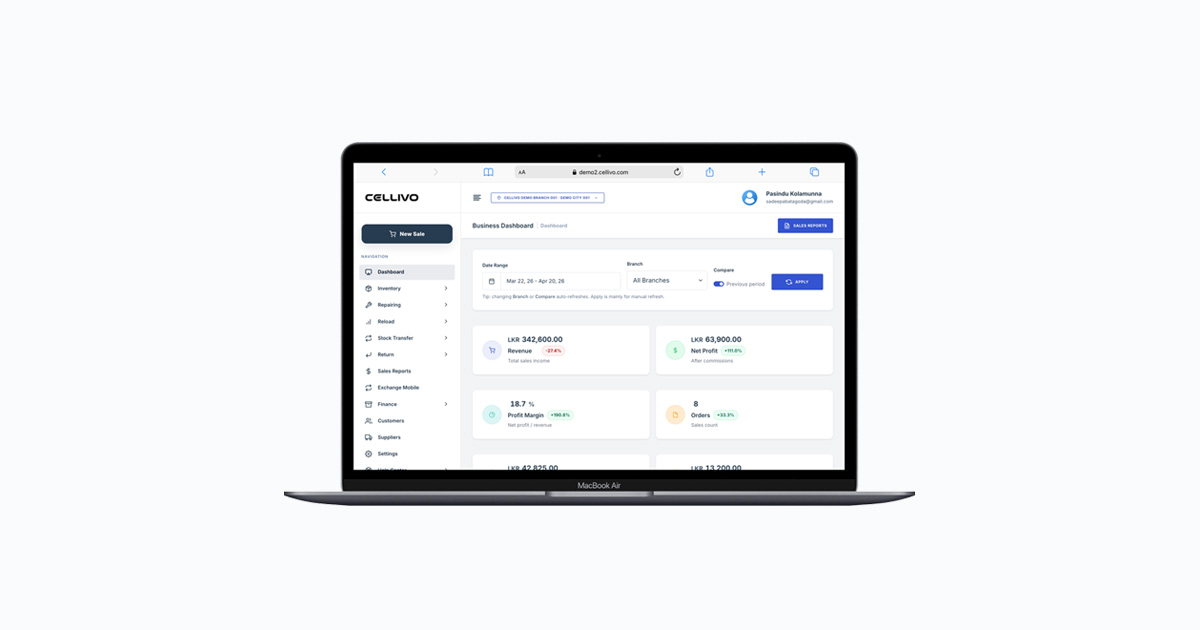
If you run a mobile phone shop, choosing the right POS system for phone shop operations is not just about billing — it directly affects how fast you serve customers, how accurately you track stock, and how well you manage repairs.
At Cellivo, we’ve worked with phone shops across Sri Lanka, and one common issue we see is businesses trying to manage devices, accessories, and repairs using spreadsheets or basic billing tools. This usually leads to stock confusion, lost IMEI records, and slow checkout.
This guide will help you choose the right system based on real-world mobile shop workflows.
Why a POS System for Phone Shop Is Essential
Unlike regular retail stores, phone shops deal with high-value items, serial numbers, and repair services. A basic POS system is not enough.
For example, one shop owner in Colombo we worked with had over 300 phones in stock but no proper IMEI tracking. After a few months, they couldn’t match sold devices with purchase records, which created serious accounting issues.
This is why a dedicated mobile shop POS system is essential — it connects billing, inventory, IMEI tracking, and repairs in one place.
Key Features of a POS System for Phone Shop
1. Fast Billing for Daily Sales
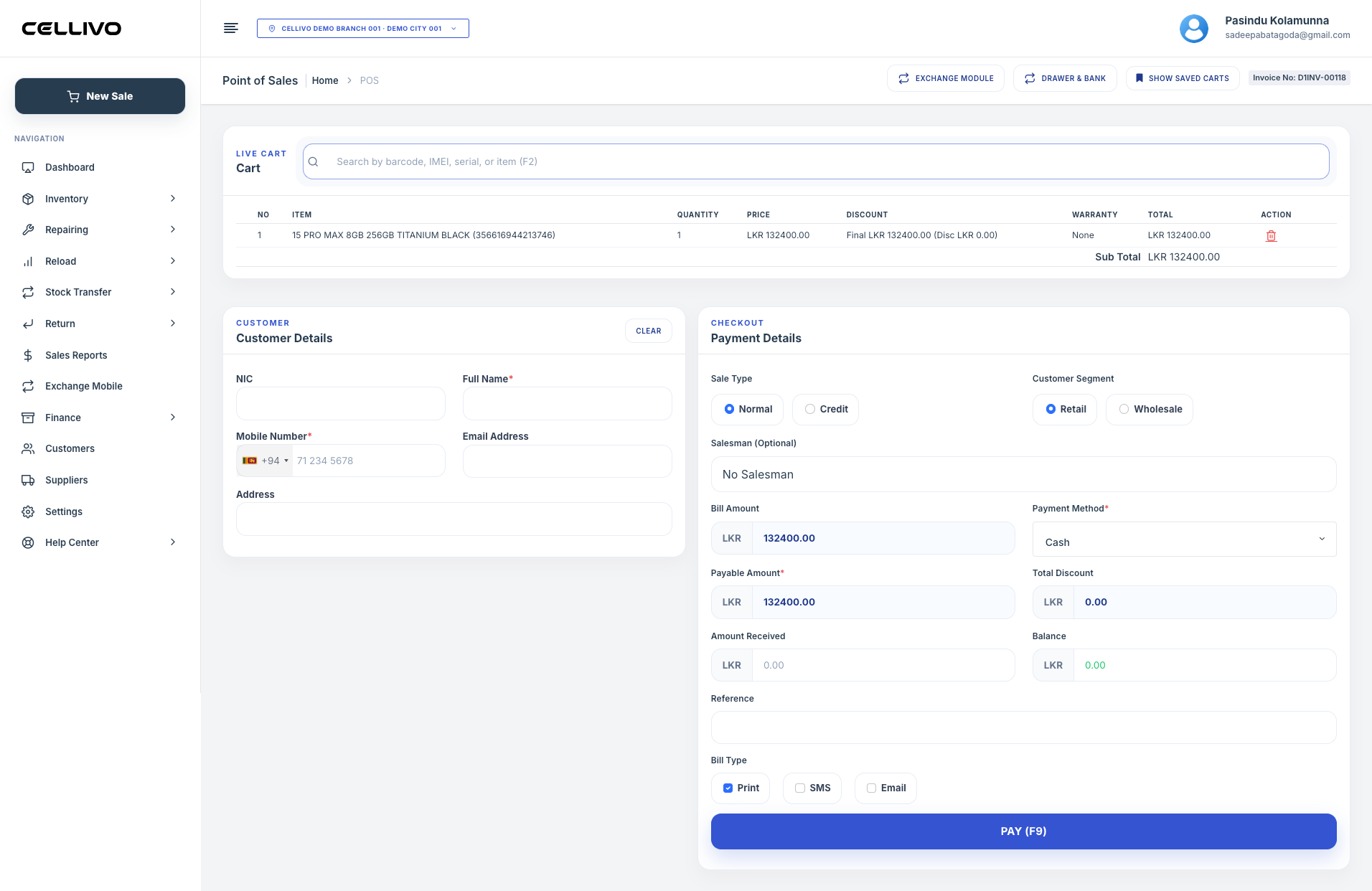
In busy phone shops, speed matters. A slow system creates queues and frustrated customers.
A good POS system for phone shop should allow you to complete billing in seconds with barcode scanning, quick product search, and instant invoice generation.
2. IMEI-Based Device Tracking
Every mobile phone has a unique IMEI number. Without proper tracking, it becomes difficult to manage warranty, returns, or even identify which device was sold to which customer.
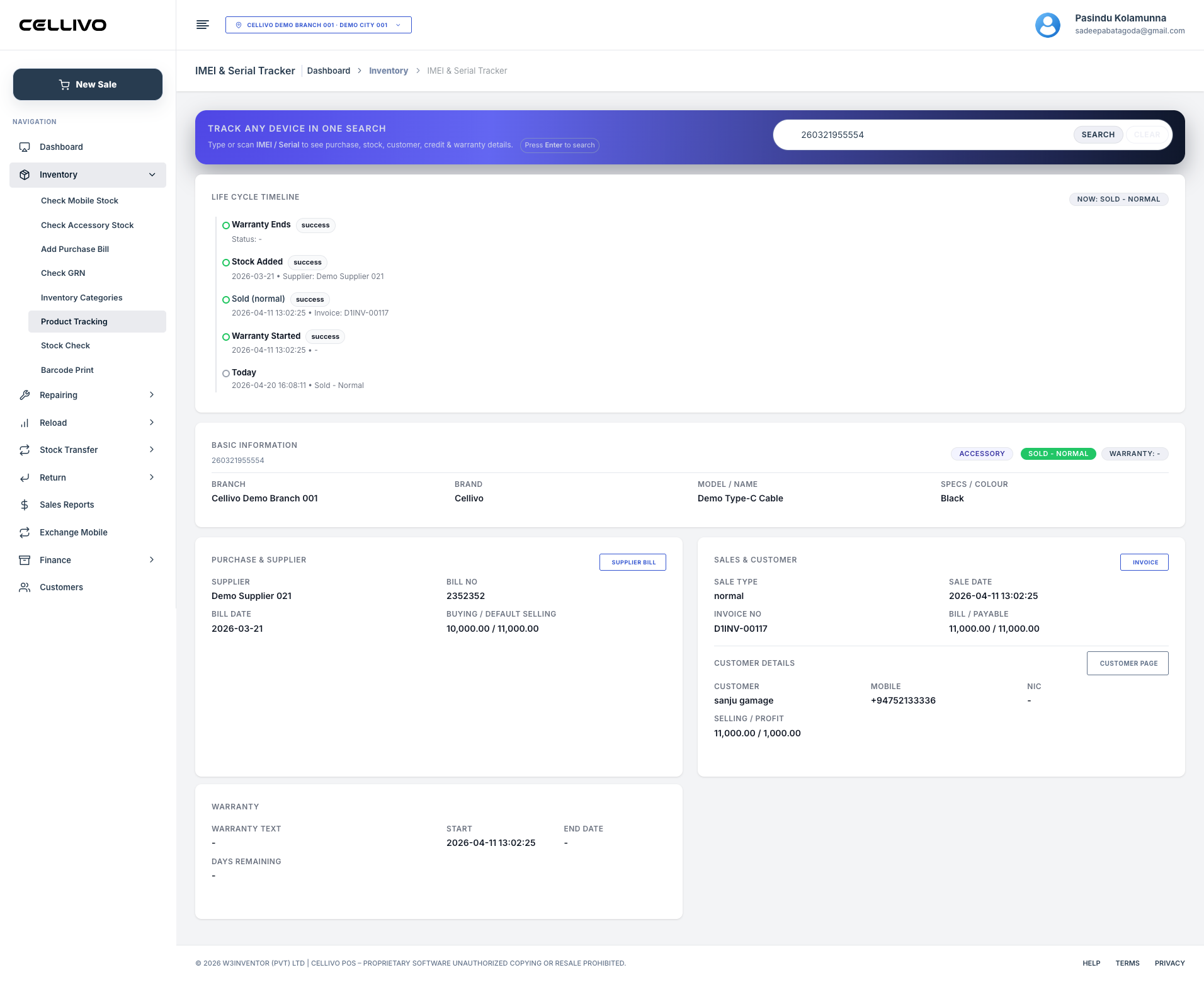
With an IMEI tracking system, you can track each device from purchase to sale, reducing errors and improving accountability.
3. Real-Time Inventory Management
Phone shops usually handle a mix of devices, accessories, and spare parts. Manual stock tracking often leads to mismatches.
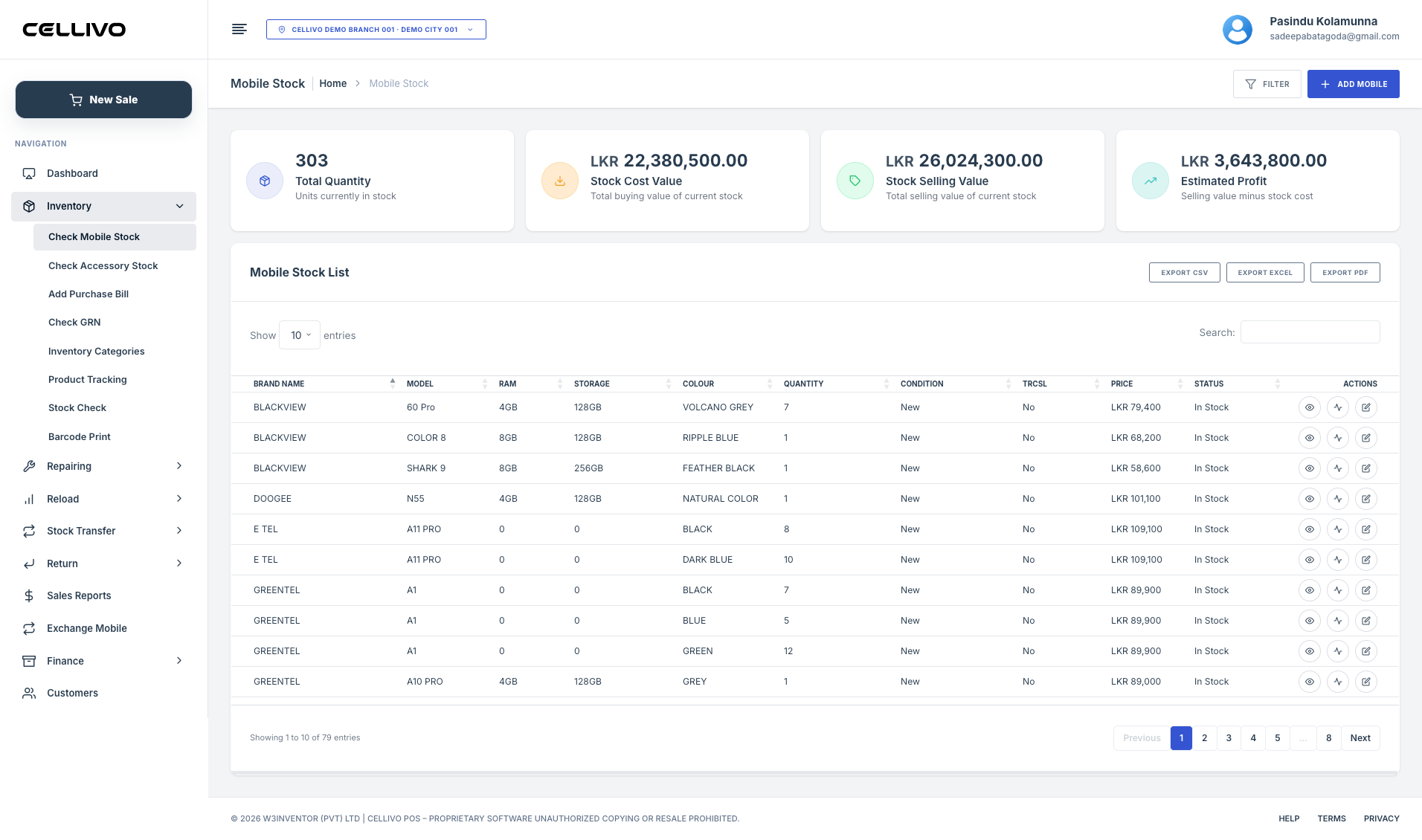
A connected inventory management system ensures stock updates automatically after every sale and provides low-stock alerts so you never run out of fast-moving items.
4. Repair Job Tracking
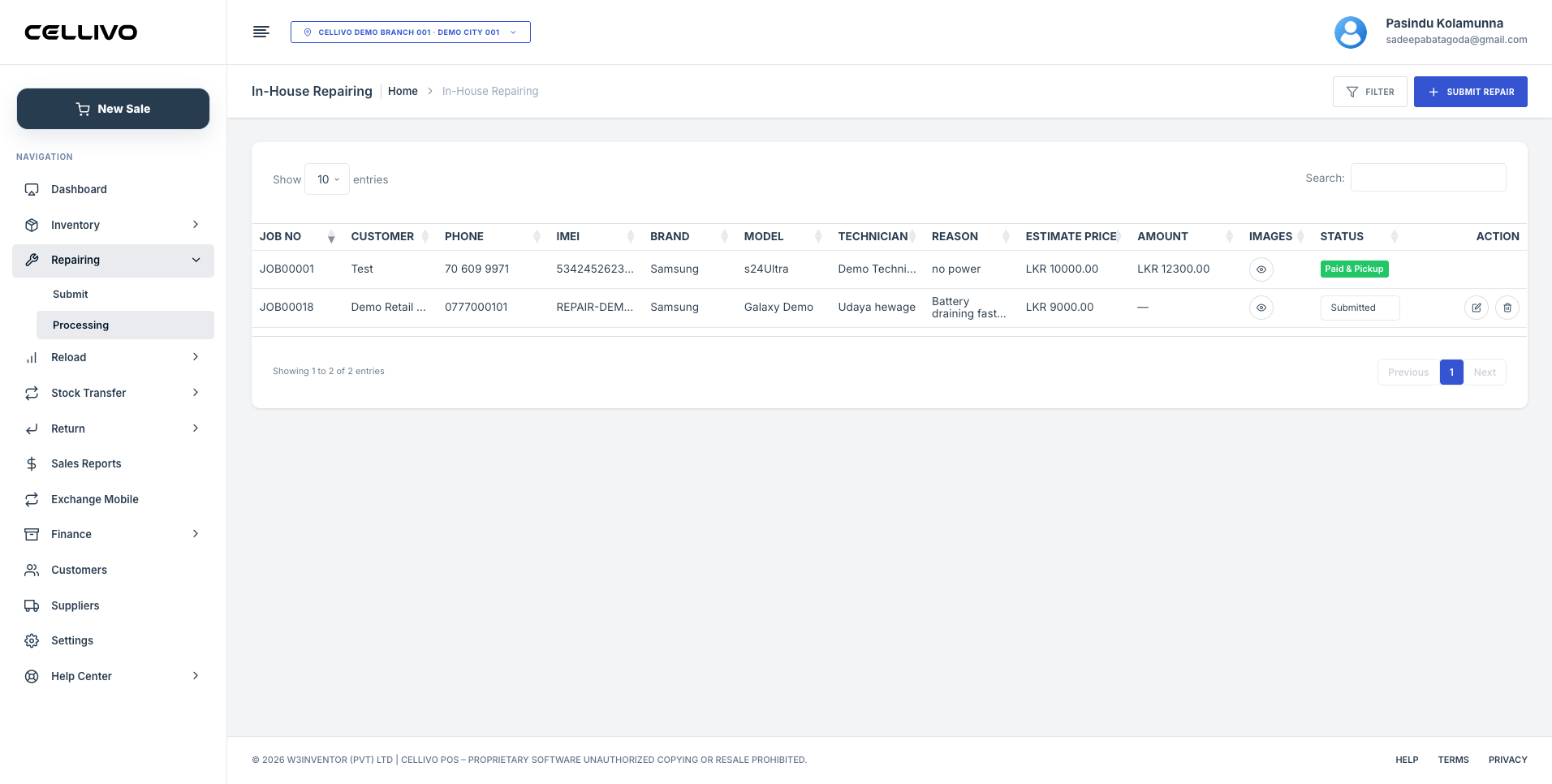
Many mobile shops also handle repairs. Without a proper system, repair jobs can easily get delayed or lost.
A POS system with repair management allows you to track device issues, assign technicians, and even notify customers when repairs are completed.
5. Business Reports and Insights
Beyond daily operations, a POS system should help you understand your business. Sales reports, profit tracking, and stock movement insights allow you to make better decisions.
Common Mistakes When Choosing a POS System
From our experience working with mobile retailers, these are the most common mistakes:
- Choosing generic POS software that is not designed for phone shops
- Ignoring IMEI tracking capabilities
- Using systems that do not support repair workflows
- Focusing only on price instead of long-term usability
These mistakes often lead to switching systems later, which is costly and time-consuming.
Cloud POS vs Manual Billing
Many small phone shops start with manual billing, but as sales grow, it becomes difficult to manage operations efficiently.
A cloud-based billing software for mobile shop allows you to access your system from anywhere, manage multiple branches, and keep your data secure with automatic backups.
How the Right POS System Improves Your Shop
When you implement the right system, you will immediately notice improvements:
- Faster checkout process
- Accurate stock tracking
- Better customer service
- More organized repair handling
- Clear visibility into profits and sales trends
This is exactly why more phone shops in Sri Lanka are moving from manual systems to digital POS platforms.
Conclusion
Choosing the right POS system for phone shop operations is a long-term decision. It should not only handle billing but also support inventory, IMEI tracking, and repair management.
If you want a system built specifically for mobile retailers, explore our mobile shop POS system and see how it helps phone shops manage everything from sales to service in one place.